
Choose the job first: creative effect or temperature data?
| Option | Input | What it can do | What it cannot do |
|---|---|---|---|
| Free web demo | Existing photo | Compare palettes and intensity | Live capture or video recording |
| iPhone filter app | Live camera and photos | Capture, video, import, save, and share | Measure real temperature |
| External thermal imager | Dedicated infrared sensor | Show real thermal data, subject to hardware | Work from the standard camera alone |
The web demo processes an existing photo locally in the browser. The iPhone app adds a live camera, video, and history.
Decide whether you need an effect or thermal data
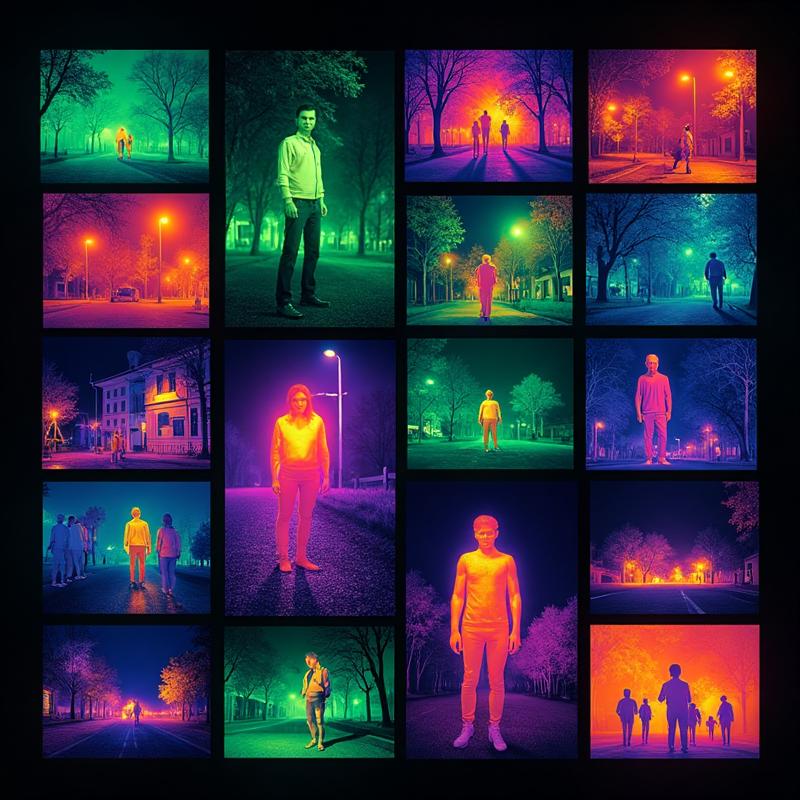
A creative thermal camera app processes the visible-light image already captured by the standard iPhone camera, then maps brightness into colors such as Ironbow, Rainbow, or Arctic. That works for photos, videos, and social content. A real thermal imager requires an infrared sensor that detects thermal radiation and displays temperature differences. Software cannot add a missing sensor to an iPhone.
Check these six features before downloading
- Photo and video capture, rather than a static sample screen.
- Photo library import for images you have already taken.
- Several clearly named color palettes instead of one flat color overlay.
- Adjustable intensity so fur, faces, and building edges remain visible.
- History, save, and sharing controls that make finished work easy to find.
- Clear language explaining that the app does not measure temperature or create real detail in total darkness.
A practical iPhone thermal filter workflow
Capture a stable, well-exposed image first, then apply the thermal palette. A scene with separation between subject and background gives the color map more useful contrast. Begin at medium intensity, compare Ironbow, Arctic, and Night Vision, and keep both the original and the styled version.
Choose the right product before you download
- Choose a creative filter app when you want live false-color previews, thermal-style photos, video, and library import.
- Choose a phone-connected thermal camera when you need a sensor image, temperature range, spot measurements, or inspection data.
- Choose neither product for medical diagnosis, fire-safety decisions, or any task that requires certified measurements unless the hardware and procedure are approved for it.
Use external hardware for these tasks
- Measuring the actual temperature of people, equipment, walls, or pipes.
- Checking electrical hotspots, insulation, or mechanical faults.
- Depending on infrared information where no visible light is available.
- Producing medical, engineering, fire-safety, or other professional reports.
Frequently asked questions
Can a thermal camera app on iPhone measure real temperature?
A filter that uses only the standard camera cannot measure temperature. Real measurements require a calibrated infrared sensor.
Will a thermal filter work in complete darkness?
It needs visible detail in the source camera image. Total darkness requires illumination or dedicated infrared hardware.
Can I turn an existing photo into a thermal image?
Yes. Thermal Imaging Camera Filters supports photo library import, multiple palettes, and adjustable effect intensity.