Creative vision filters made for iPhone
Thermal Imaging Camera Filters
Reimagine night scenes, portraits, and pets in thermal-inspired color. Capture photos or video, import from your library, then shape the look with palettes and intensity controls.
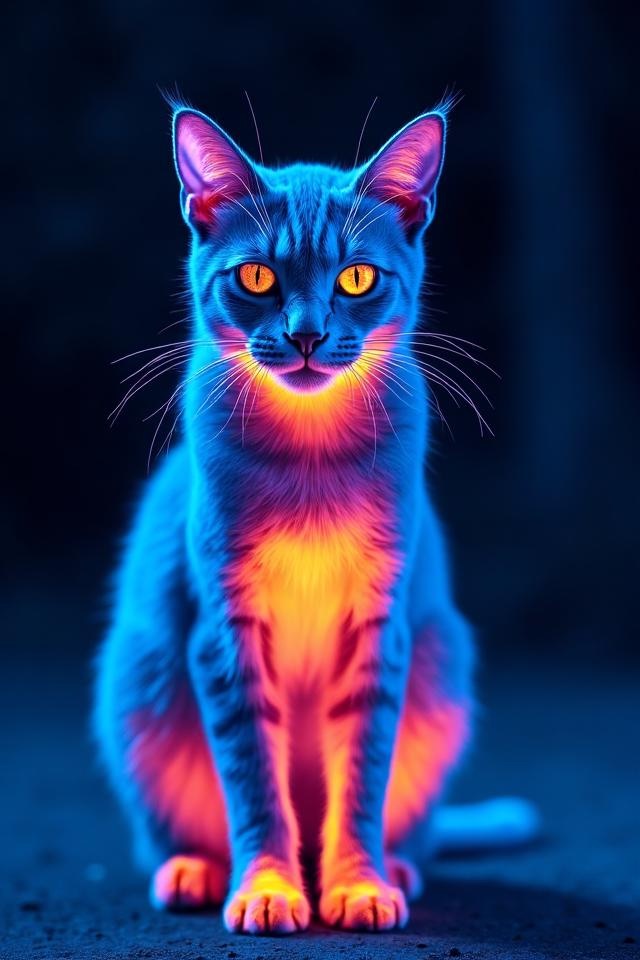
Focused and familiar
Camera, library, and filters in one focused workflow.
Start shooting without learning complicated editing software. Move between original, thermal, and night vision modes, then save or share the result.
Photo and video capture
Use the iPhone camera and preview scenes with thermal-inspired or night vision effects.
Import from your library
Restyle night scenes, portraits, or pet photos you already captured.
Intensity and color palettes
Move between Ironbow, Rainbow, Hot, Arctic, Lava, Medical, and Night Vision looks.
History and quick sharing
Revisit recent creations, save them to Photos, or share them with friends.
One scene, many moods
There is more than one kind of heat.
Luminance shapes the color map; the palette shapes the mood. Try hot, arctic, night vision, or monochrome looks on the same scene.
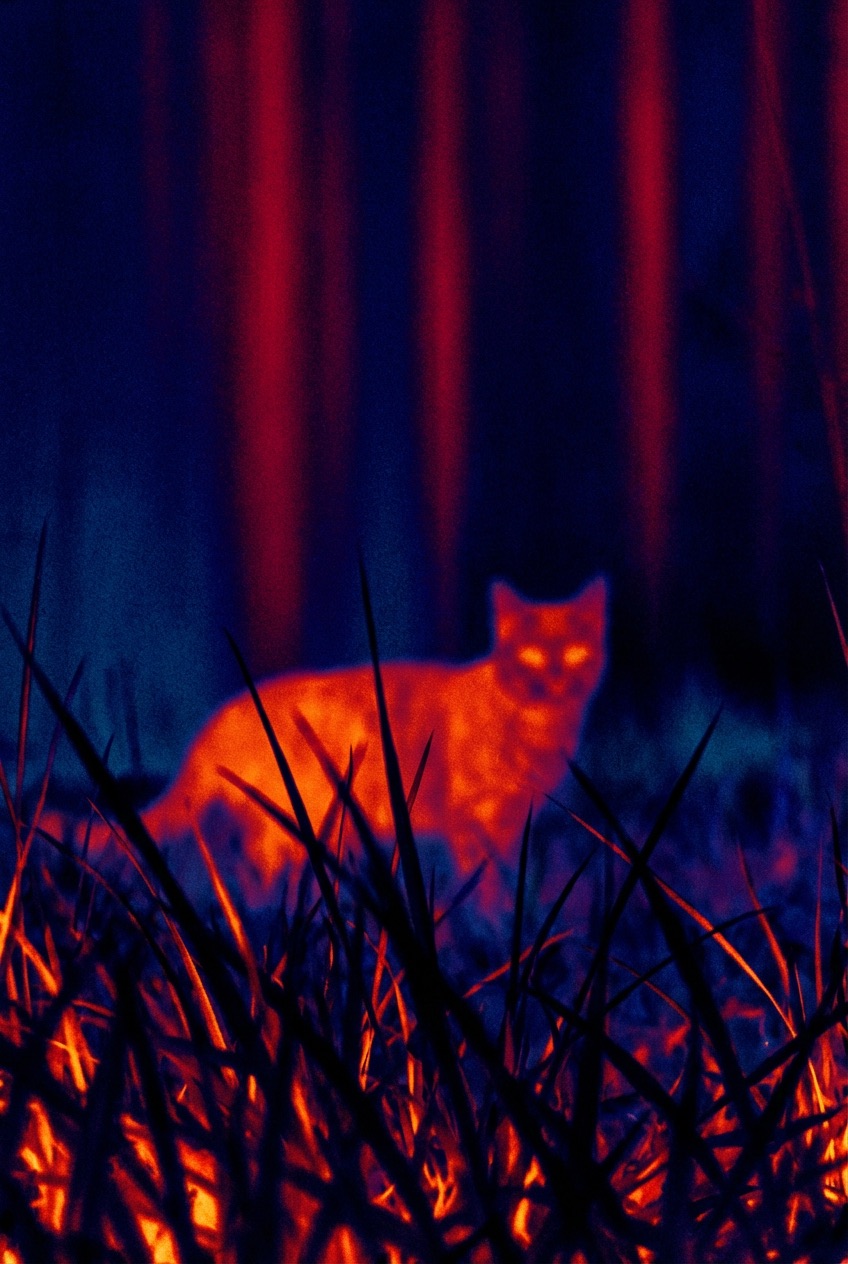
Field notes
Practical guides for seeing after dark
Clear answers to the questions people ask about iPhone night vision, thermal camera filters, pets at night, and low-light photography.
Does iPhone have a real night vision camera?
Understand night filters, low-light enhancement, and hardware night vision before choosing the right tool.
How to make a thermal camera filter photo
Use palette, contrast, and subject choice to create a more dimensional thermal-inspired image.
How to look for a pet at night safely
A practical checklist for searching, observing, and filming pets in low light.
9 ways to improve iPhone photos at night
Reduce blur and noise with better stability, exposure choices, and a few repeatable habits.
Thermal camera vs. thermal filter: what is the difference?
One senses infrared radiation. The other remaps a visible-light image. Here is where each belongs.
FAQ
Clear answers, including the limits.
A useful filter should be clear about what it can do and what it cannot replace.
Can the app measure real temperature?
No. Thermal Imaging Camera Filters is a creative camera and image filter, not an external thermal imager. It does not read infrared temperature data.
Can I edit photos already in my library?
Yes. You can capture a new photo or video, or choose an existing image from your iPhone library and apply a palette with adjustable intensity.
Can a night vision filter see in complete darkness?
A filter using a standard phone camera still needs some visible light. It can emphasize existing detail and contrast, but it cannot create true infrared detail in total darkness.
Which devices are supported?
The current release supports iPhone and compatible iPad devices running iOS 14.0 or later. Check the App Store listing for exact compatibility.
Capture. Transform. Share.
See the night in a different color.
Use your iPhone camera or existing photos, choose a thermal or night vision look, tune the intensity, and share.
Download free on the App Store