
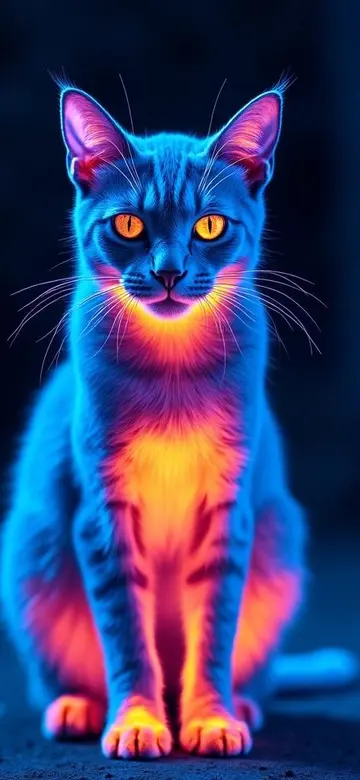
Choose a thermal palette for your scene
Choose one clear subject
A person, pet, vehicle, or lit road creates more stable color layers than a crowded scene. Keep a brightness difference between subject and background, and avoid pointing a strong light directly into the lens.
Five habits for steadier video
- Hold the phone with two hands and keep elbows close to your body.
- Start wide, move slowly, and avoid sudden pans.
- Tap and lock focus and exposure to reduce brightness pumping.
- Hold each shot for at least three to five seconds.
- Keep the original clip before exporting a styled version.
Choose palette and intensity
Ironbow works well for defined people and pets at night. Arctic suits landscapes and a cool technical mood. Night Vision supports an exploratory low-light feel. Start at medium intensity and preserve faces, fur, and building edges before pushing it further.
Check before export
- Play the complete clip and look for sudden color jumps.
- Decide whether the original audio still belongs; a visual filter does not improve sound.
- Confirm portrait or landscape framing for the destination platform.
- Do not hide safety information, signs, or operating details under a strong effect.
Frequently asked questions
Can I add a thermal effect to a video from Photos?
It depends on the current import workflow. Thermal Imaging Camera Filters supports photo and video creation; use the options available in the current app version.
Why does color flicker in a night video?
Automatic exposure changes, sensor noise, and frame-to-frame brightness differences are common causes. Locking exposure and keeping light steady helps.